The BoB World app by Bank of Baroda (formerly known as M-Connect Plus) is a comprehensive mobile banking platform that integrates over 220 services to provide a “Bank on the Go” experience.
Here is a comprehensive guide on how to get started and use the various features of the app:
1. Getting Started and Registration
- Download: You can download the BoB World app from the Google Play Store (for Android) or the Apple App Store (for iOS).
- Registration: The app allows for easy self-registration. Simply use the mobile number linked to your Bank of Baroda account, verify it via OTP, and set up your account PIN to activate it.
- New Customers: If you do not have a Bank of Baroda account, you can still use the app to digitally complete your KYC and open a new account without visiting a branch.
2. Managing Your Accounts and Money
- Account Dashboard: Once logged in, you can view and manage all your linked accounts, including savings, current, deposits, loans, and credit cards, from a single dashboard. You can instantly check your real-time balance and access a detailed digital passbook.
- Fund Transfers: You can seamlessly transfer funds across your own accounts or to third parties using IMPS (for immediate transfers), NEFT, or RTGS. You can also save payees using the “Quick Pay” feature for faster future transactions.
- UPI and Bill Payments: The app features full Unified Payments Interface (UPI) functionality for sending/receiving money and scanning merchant QR codes. You can also pay utility bills, recharge your mobile/DTH, pay credit card dues via the Bharat Bill Payment System (BBPS), and set up recurring auto-debits.
3. Investing and Wealth Management
- Deposits: You can easily open, renew, or close Fixed Deposits (FDs) and Recurring Deposits (RDs), as well as track your interest earnings.
- Market Investments: The app allows you to browse, filter, and invest in mutual funds, as well as purchase Sovereign Gold Bonds and other government securities.
4. Loans and Insurance
- Borrowing: Eligible users can apply for instant personal loans that can be approved within minutes. You can also apply for auto and home loans utilizing in-app EMI calculators and track your active loan repayment schedules and outstanding amounts.
- Insurance: You can generate premium quotes and purchase life, health, motor, and home insurance directly through the app.
5. Card Management
- You have full control over your debit and credit cards. You can view card details, request replacements, generate instant virtual cards for digital transactions, and set specific transaction limits. For added security, you can enable or disable your cards for online, ATM, or POS usage.
6. Personal Finance and Lifestyle Tools
- Budgeting: Use the built-in expense tracker to categorize your spending, set monthly budget limits, and establish goal-based savings plans.
- Marketplace: BoB World features a lifestyle marketplace where you can book travel tickets, shop online, pay for entertainment, and redeem reward points earned on your transactions.
7. Customer Support and Requests
- Instead of visiting a branch, you can use the app to raise service requests such as ordering cheque books, stopping cheque payments, generating statements, changing ATM PINs, and updating nominee details. A 24/7 chatbot and live chat support are also available.
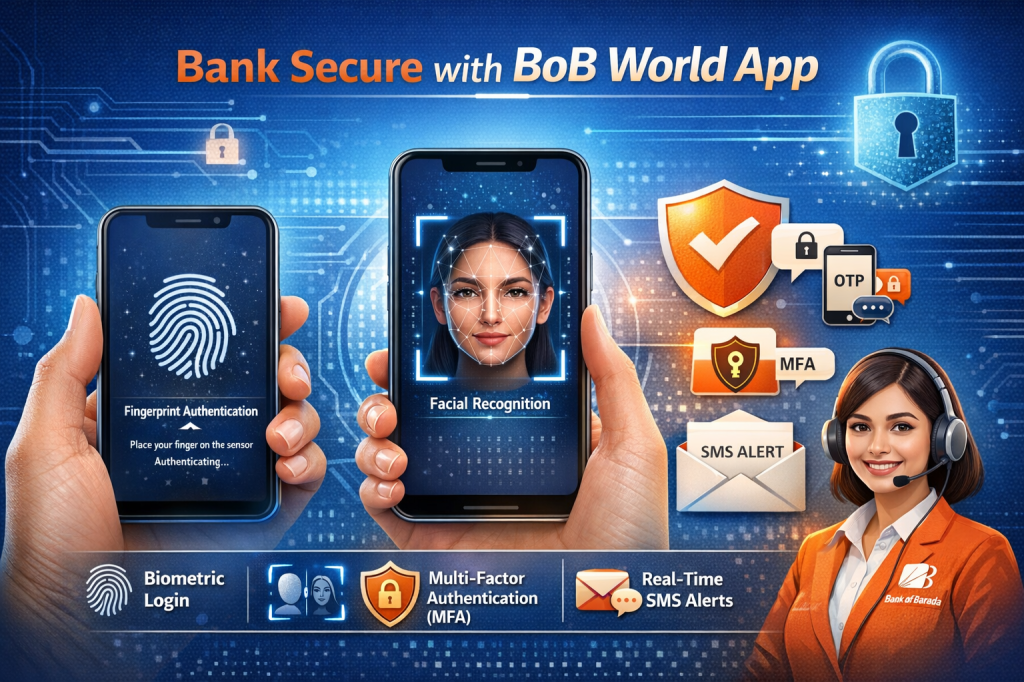
Security Note: To keep your finances safe, the app supports biometric authentication (fingerprint and facial recognition) for secure logins. Additionally, all major transactions are protected by Multi-Factor Authentication (MFA), requiring an OTP or transaction PIN, and you will receive real-time SMS alerts for all account activities.
 financiallearner.com
Leave a comment